Everything Nimbo does.
Today, on the Mac, on the web and on your phone.
On the Mac
- Files on demand
- Only the parts an app reads come down.
- Big videos in ~1 s
- Skip ahead and only the new spot is fetched.
- Cache with a ceiling
- Up to 20% of the disk, always 10 GB free.
- Keep Offline
- Right-click a folder to keep it on the Mac.
- Status in the Finder
- Icons for offline, downloading and uploading.
- Resumable uploads
- A drop or a restart continues, not restarts.
- Progress in bytes
- Speed and time left, right in the menu bar.
- Several Macs
- Same disk everywhere; conflicts keep both copies.
- Works offline
- Open what is on the Mac; changes go up later.
- Search with ⌃⌥O
- Finds files that are only in the cloud too.
- Updates itself
- Signed, notarized, installed when you quit.
- Light and native
- Swift for macOS 26, ~18 MB of memory idle.
On the web and your phone
nimbo.lumahost.com/files
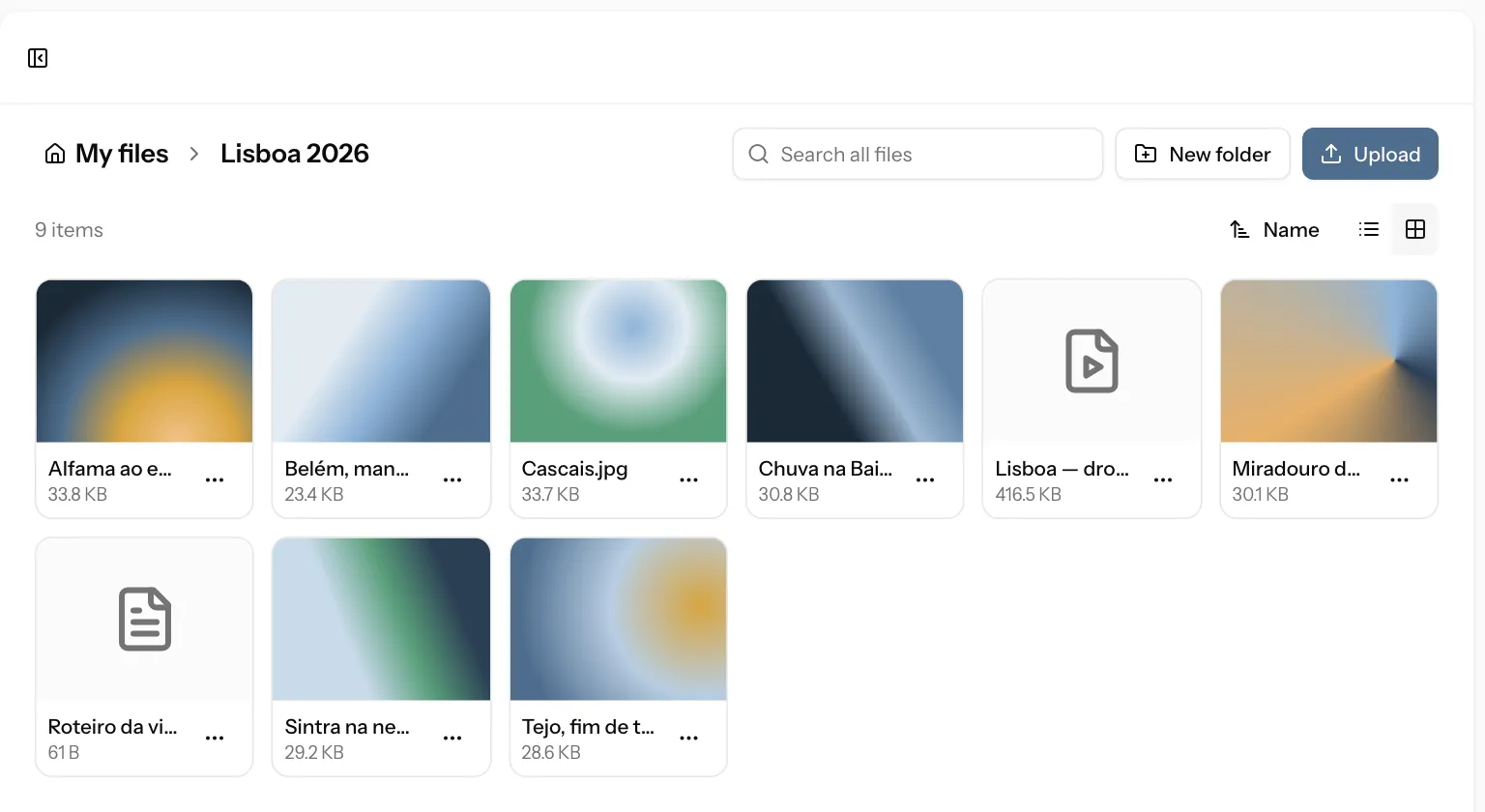
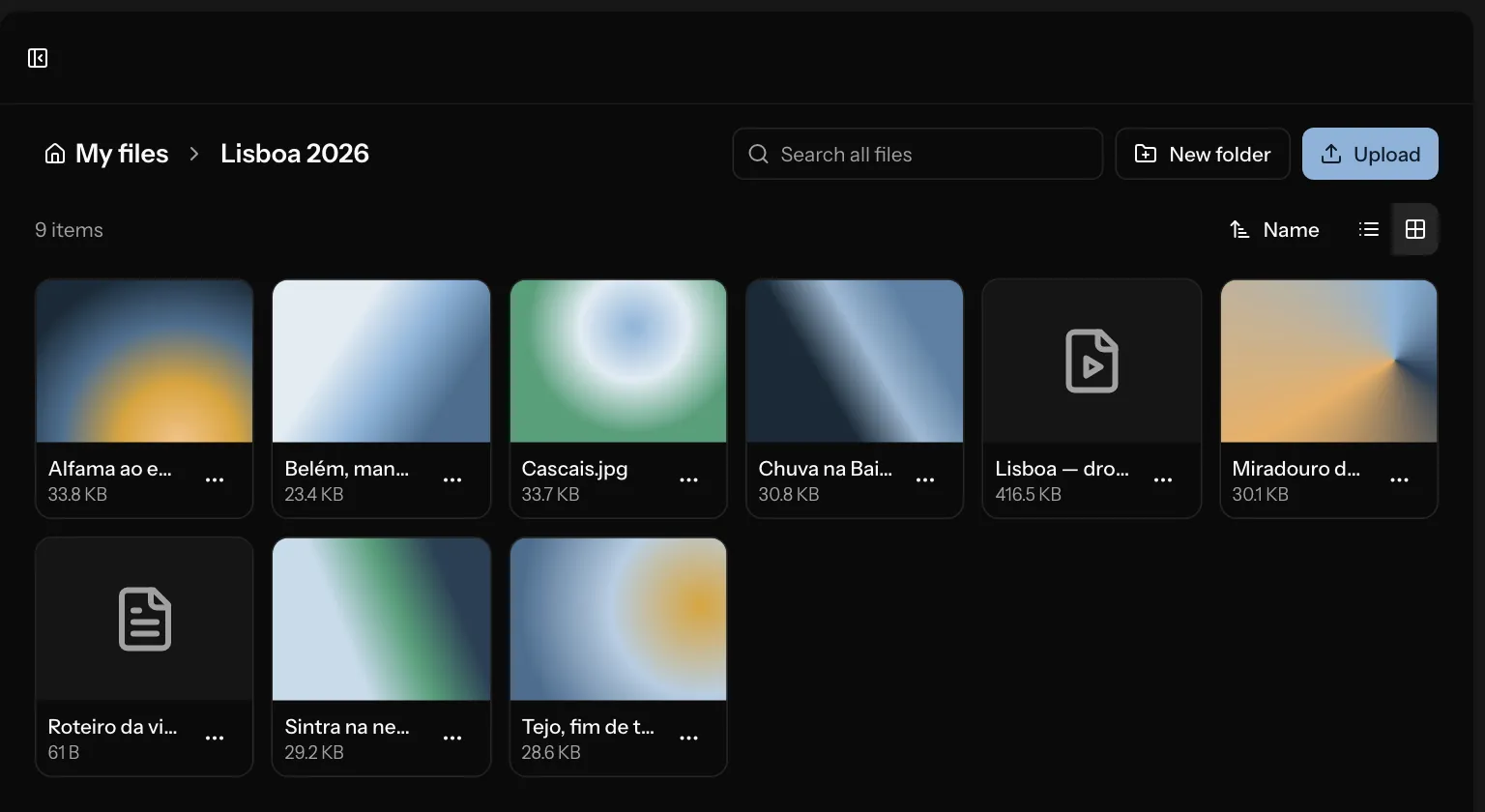
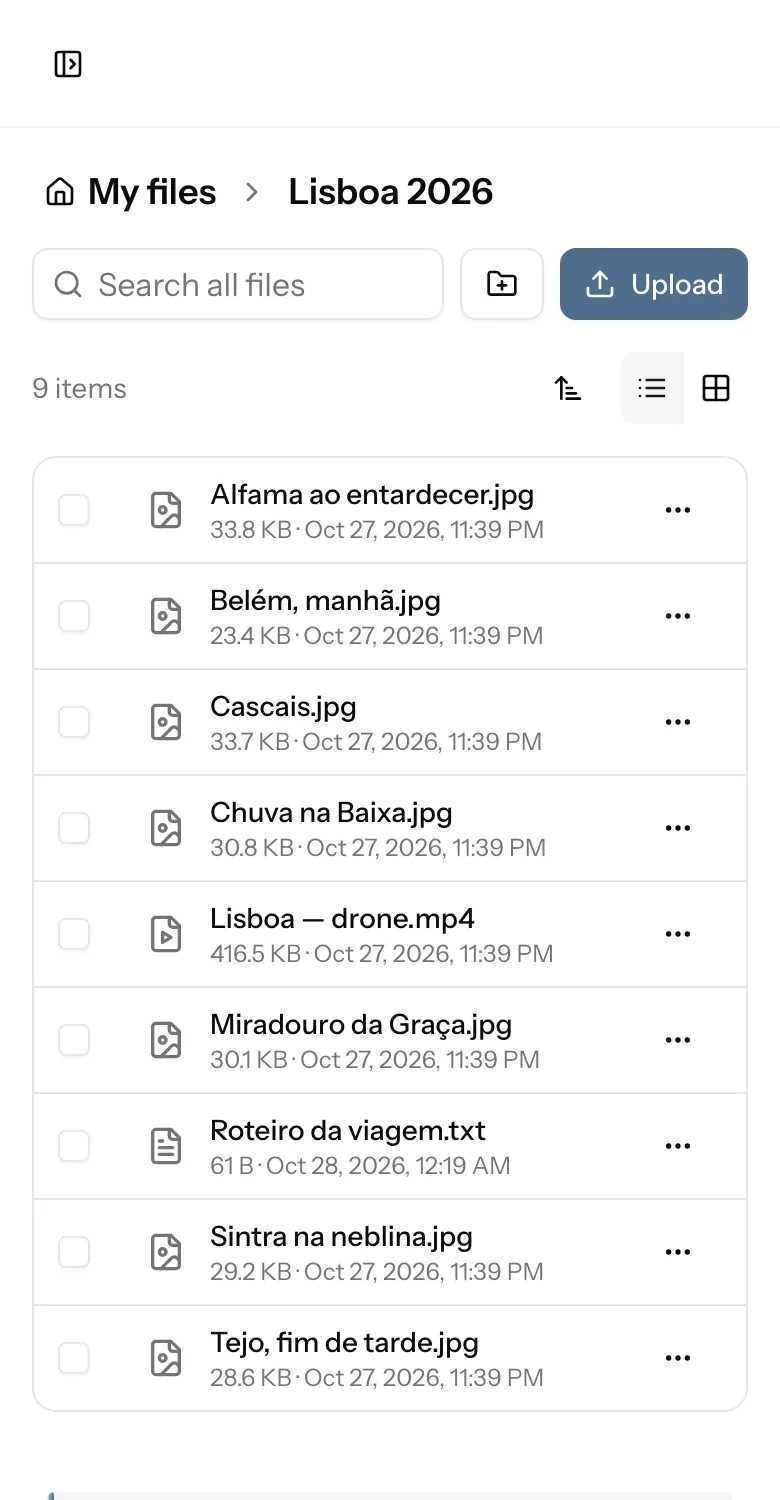
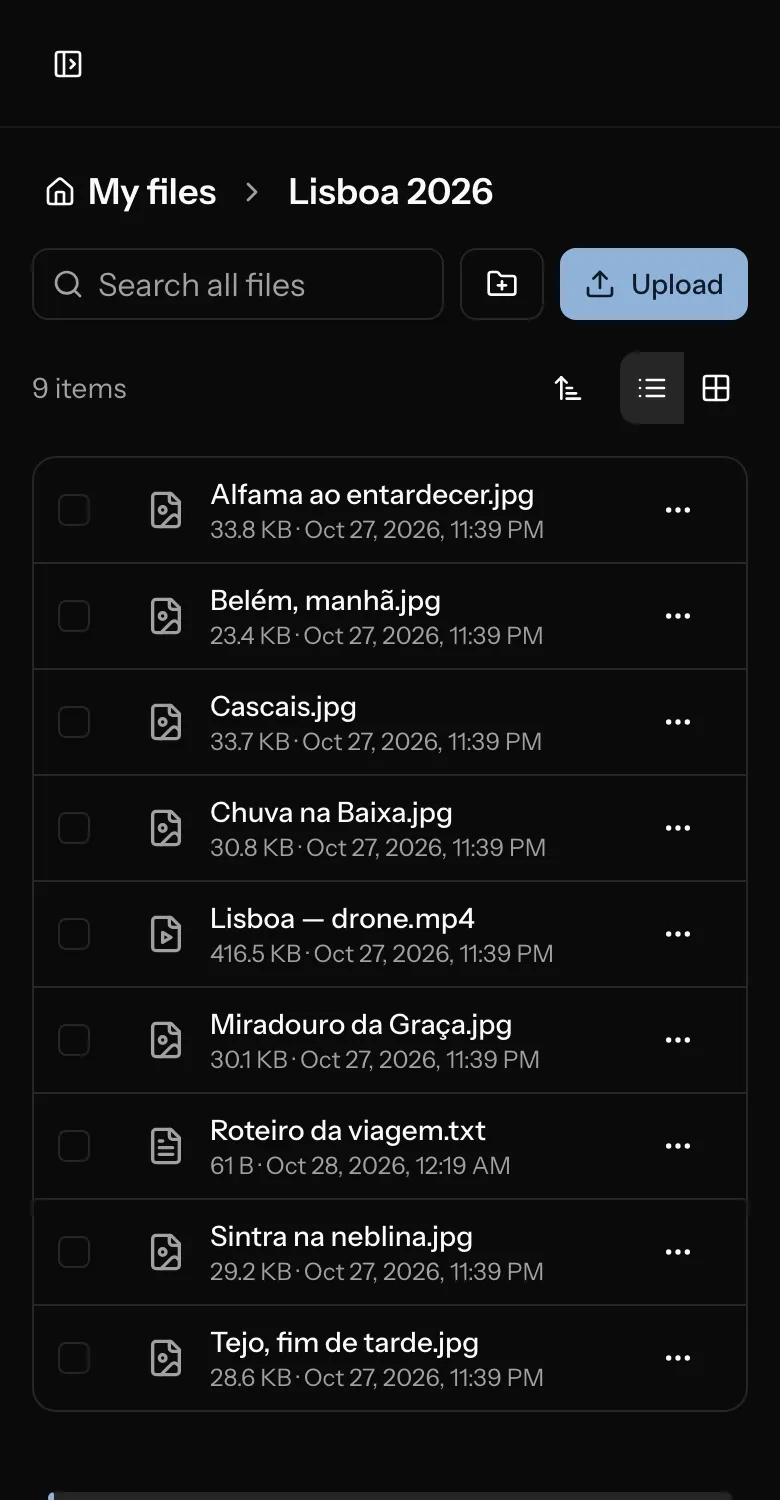
- Browse and search
- List or grid, sorting, search across folders.
- Preview
- Video, audio, photos, PDFs and text in the page.
- Big uploads
- In parts, and they resume after a reload.
- Whole folders as .zip
- Built by your browser, no waiting on a server.
- 30-day trash
- Restore to the same folder in one click.
- Your Macs
- See every connected Mac and disconnect one.
Share and receive
nimbo.lumahost.com/r/…
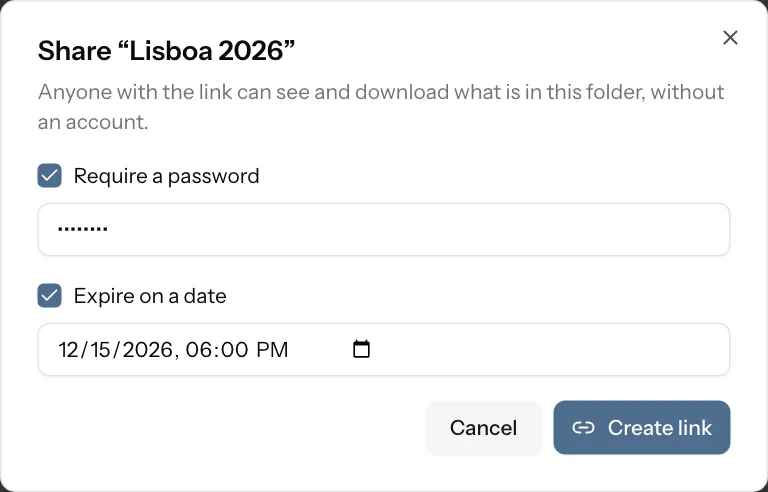
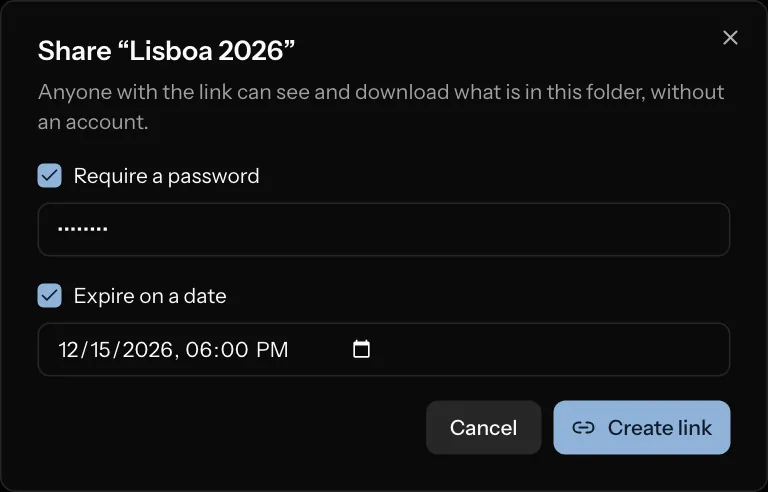
- Links to files and folders
- With previews of videos and photos.
- Password and expiry
- Change them later or revoke at once.
- Link stats
- How many opens and downloads.
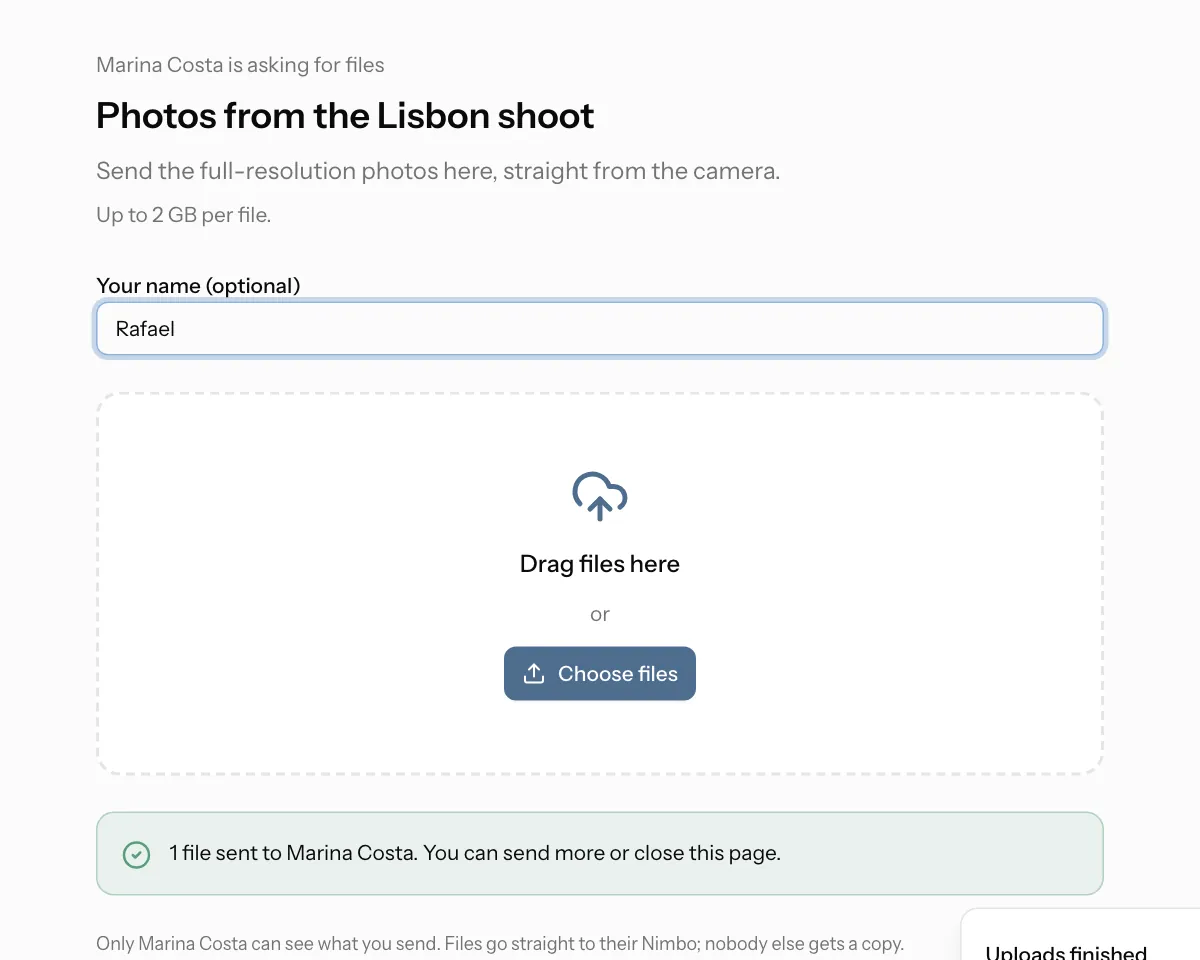
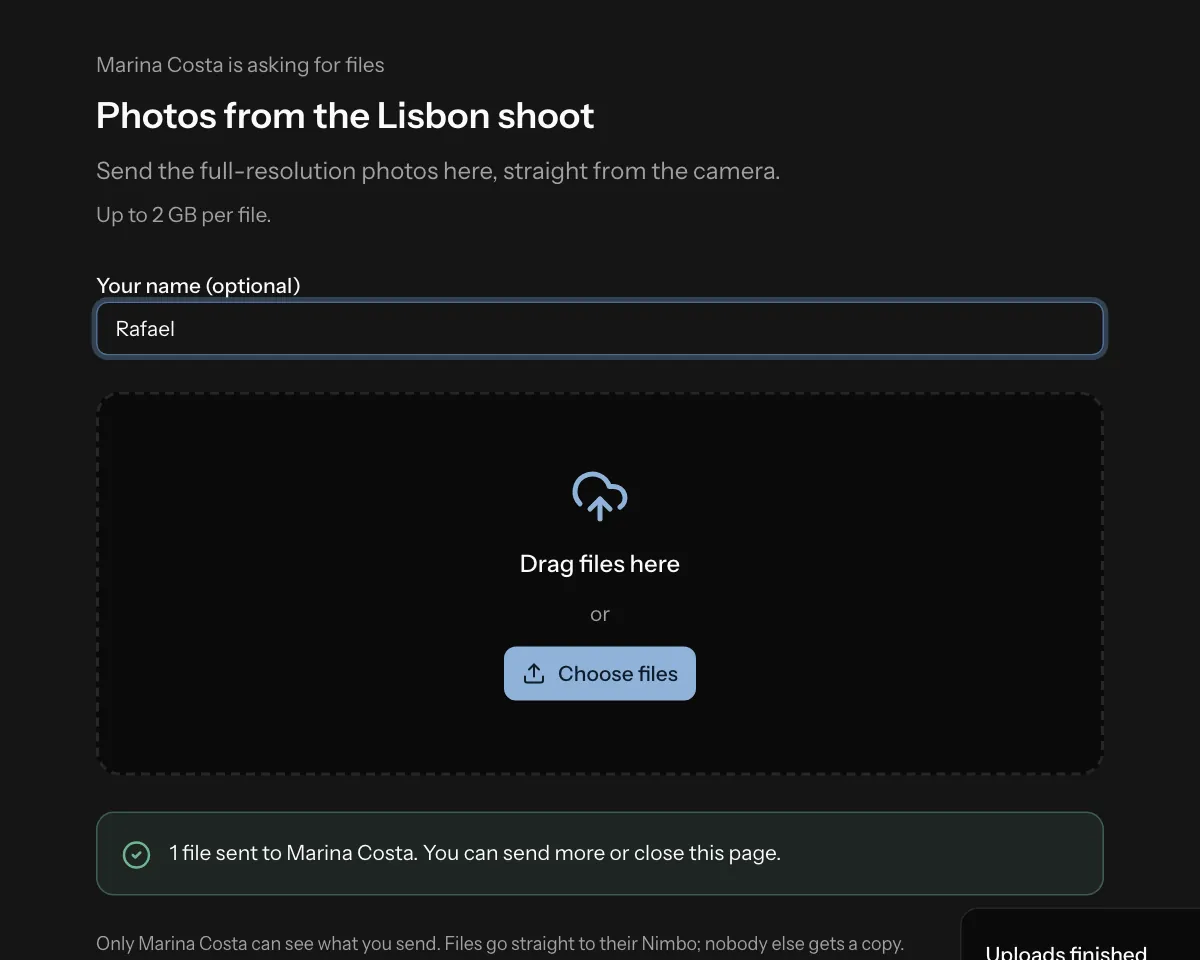
- File requests
- Anyone with the link uploads into your folder.
- Request limits
- Max size per file and an end date.
- Fast transfers
- Bytes go straight to and from storage.
Your account
Two-step sign-in
Code from the authenticator app
Use a passkeyTouch ID, Face ID or a security key
Use a recovery code
End-to-end encryption Coming soon
Contents and names encrypted on your Mac, with a key only you hold.
- Two-step sign-in
- Codes from an authenticator app.
- Passkeys
- Touch ID, Face ID or a security key.
- Recovery codes
- Ten single-use codes, renewable.
- Security emails
- When something important changes.
- Macs sign in by browser
- Your password never enters the app.
- Sessions closed
- Changing the password signs out the rest.
Coming soon Coming soon
- End-to-end encryption
- Optional, with keys only your devices hold.
- Bandwidth control
- Uploads that yield to the rest of your network.
Not yet
- Apps for iPhone, iPad, Android or Windows (use the web).
- Older versions of a file.
- Folders shared between accounts (sharing is by link).
- Paying by card on the site.